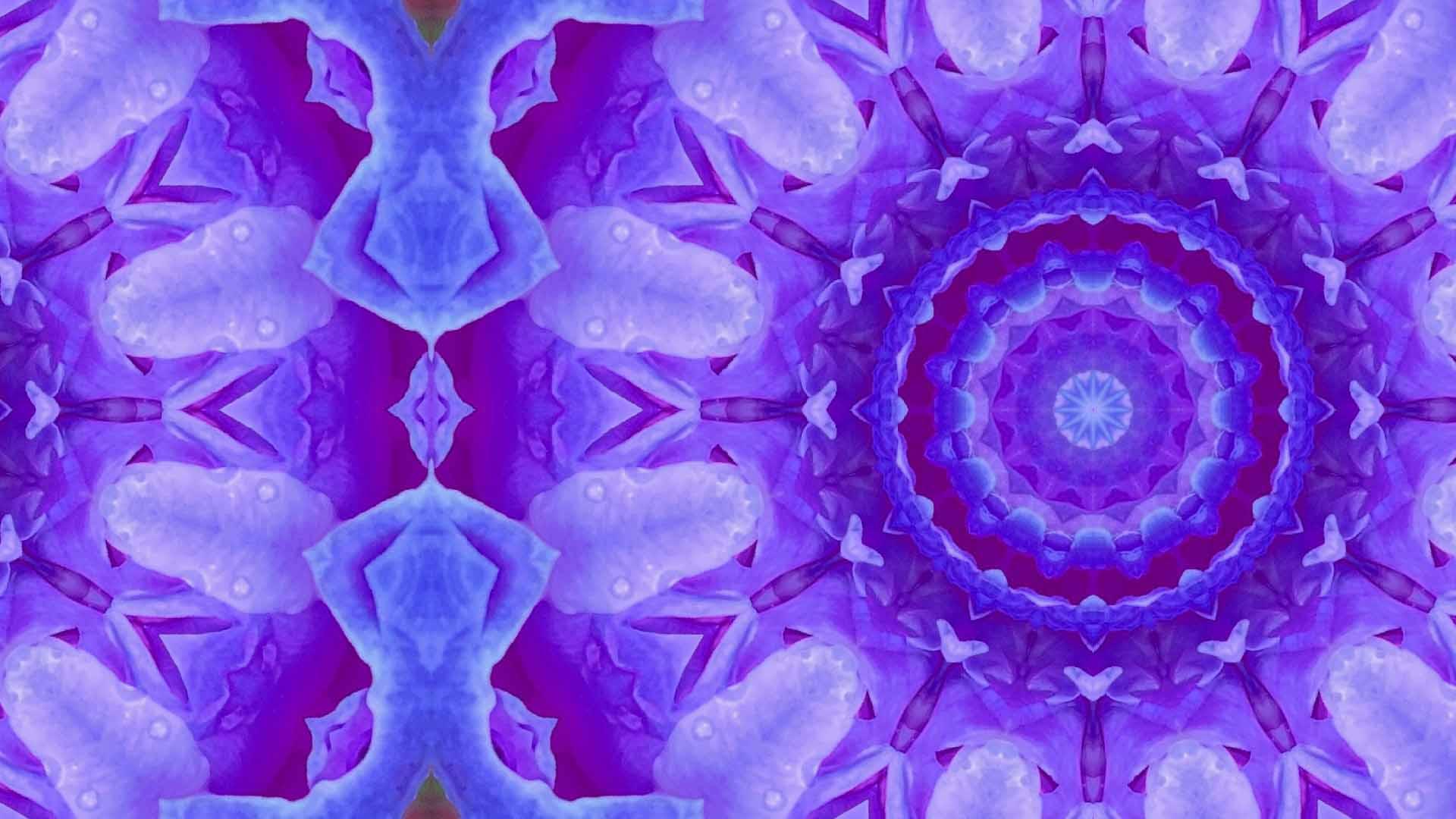
Origins
Kaleidomo began as a response to the limitations I encountered while using existing kaleidoscope tools:
Photoshop‑based solutions required Photoshop itself and produced results tightly coupled to canvas size, image placement, and orientation. Changing the output resolution altered the slice geometry, making it impossible to reproduce identical results.
ZGameEditor Visualizer effects offered hue modulation, but the hue shift was tied to saturation—no saturation meant no hue change—resulting in behavior that didn’t align with proper hue‑rotation models.
These constraints motivated the development of a standalone, deterministic, and fully controllable kaleidoscope generator.
Features
High‑Performance Rendering Pipeline
Each tiling mode is implemented across multiple backends to maximize performance on both x86 and ARM architectures:
Software backend for reference correctness.
SIMD‑accelerated backends using:
AVX2
SSE2
NEON (ARM)
Multithreaded CPU execution, splitting the output into rows and processing up to 8 pixels per SIMD lane.
GPU backend implemented in WGSL via the wgpu crate, targeting:
Vulkan
Metal
DirectX 12
OpenGL / GLES
On ARM devices, the software backend is compiled out to reduce overhead.
Kaleidoscope Modes & Parameters
Kaleidomo provides fine‑grained control over visual output through a comprehensive parameter set:
Tiling Modes
Radial
Square
Diamond
Hexagonal
Flat‑top Hexagonal
Core Parameters
Tile Count — number of tiles horizontally across the output
Slices — number of triangular segments composing the pattern
Zoom — sample radius
Rotation — rotation of the sampling triangle
Offset — positional offset of the output
Output Resolution — defined by the smaller dimension (e.g., 720 = 720p)
Aspect Ratio — custom output aspect control
Color Shift — hue rotation applied to the final image
Video Generation
Kaleidomo includes a full video‑rendering pipeline:
Frame count and still‑frame padding
FPS selection
Quality / bitrate control
Modulation parameters, including:
Angle rotation rate (°/frame)
Color‑shift rate (°/frame)
Min/max zoom oscillation (sine or triangle wave)
Zoom offset and cycle count
These controls enable smooth, loopable animations suitable for visualizers, VJ tools, and generative art workflows.
Software testing
To ensure deterministic behavior across all rendering backends, Kaleidomo includes a comprehensive cross‑backend testing framework. Each backend can generate a reference output, which is then compared against the outputs of all other backends to validate consistency.
Testing approach includes:
Generating a baseline image using a selected backend
Running all remaining backends with identical parameters
Performing pixel‑level comparisons to detect deviations
Logging differences to identify backend‑specific issues or precision mismatches
During this process, we identified a small discrepancy in the square tiling mode when rendered via the GPU backend, which exhibits approximately a 1% variance compared to CPU‑based backends. This appears to stem from differences in floating‑point behavior across shader compilers and GPU architectures. Investigation and refinement are ongoing to further reduce this variance.
Code Signing & Platform Compliance
macOS: Automatically code‑signed to meet Apple’s platform requirements.
Windows: Code signing is being established through Microsoft’s Azure Artifact Signing service to ensure trust, security, and SmartScreen compatibility.